
Multi-Factor Authentication
Add an extra layer of security to protect your account.
Multi-factor authentication (MFA) adds an extra layer of security by requiring a verification code in addition to your password when you log in.
MFA using email codes is enabled by default, but we recommend enabling MFA using authenticator apps for improved security and sign-in convenience. For a comparison of MFA methods, see Email codes vs authenticator app.
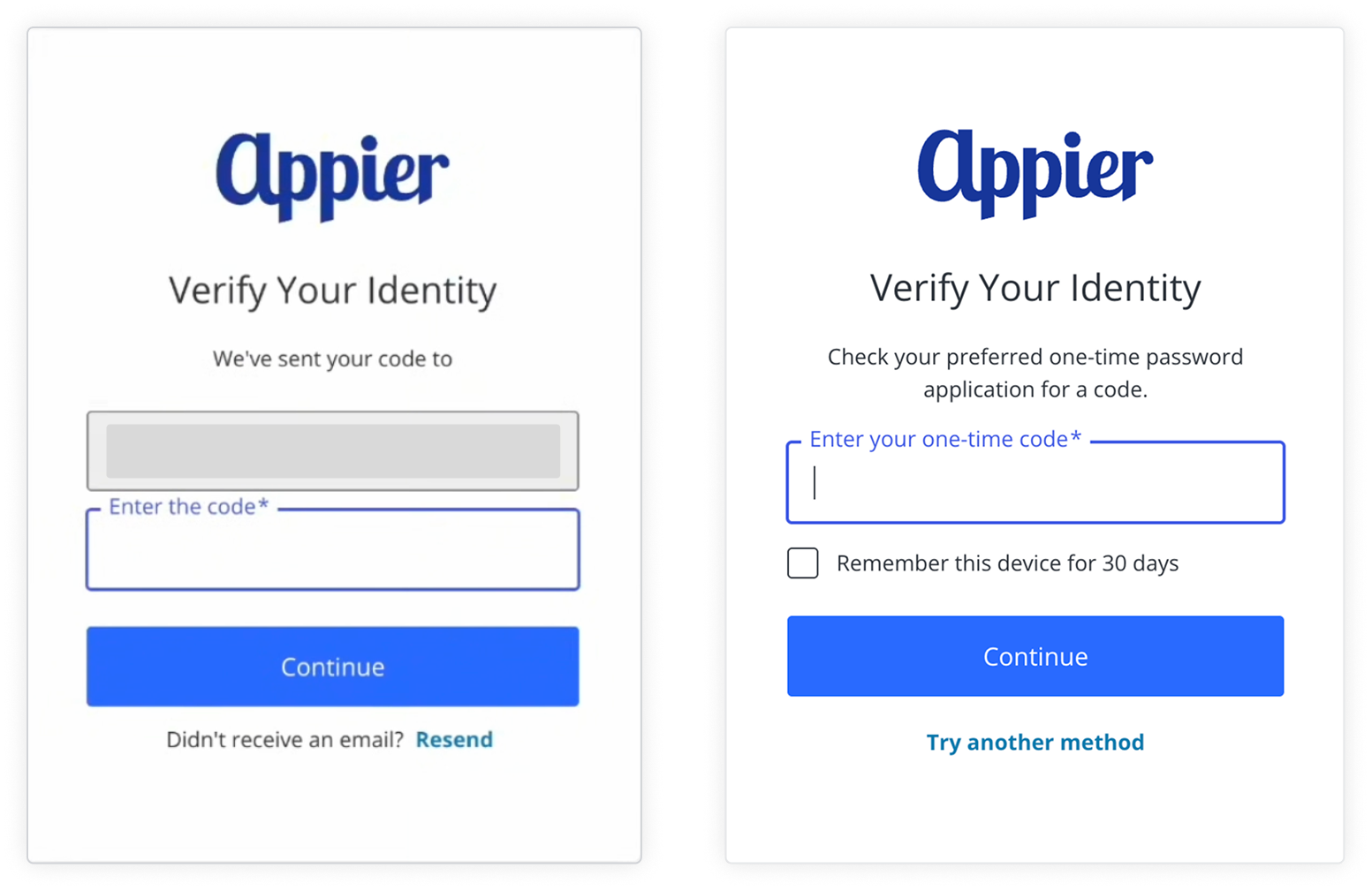
Email codes vs authenticator app
(Recommended) Authenticator app
Along with email-based codes, you can set up MFA using an authenticator app instead. Authenticator apps provide a time-limited, one-time code, which is more secure than an email-based code.
- What is an authenticator app?
- Why use an authenticator app instead of email codes?
- What if I change devices?
- Setting up an authenticator app
- Signing in with an authenticator app code
MFA authenticator app supportMFA via authenticator app is only supported when signing in with your email and password. If you sign in using SSO (for example, using Google or Facebook), you'll continue to receive verification codes by email only.
What is an authenticator app?
An authenticator app is an app that generates a new 6-digit security code on a fixed time interval. Instead of waiting for a code by email, you just open the app and enter the code it's displaying.
Why use an authenticator app instead of email codes?
Authenticator apps provide several benefits over email codes.
- It's faster and more reliable. Codes are displayed in the app immediately, and apps still generate codes even when you don't have internet or phone signal.
- It's simpler. You don't need to allowlist Appier's authentication emails or manage spam filters. Authenticator apps can be used on your phone, computer, or as a browser extension to fit your needs.
- It's more secure. Codes expire after a fixed period of time and never travel over email.
You only need one app, so you can pick whichever is most convenient for you. Some common authenticator apps are listed here.
| App | Platform |
|---|---|
| Google Authenticator | Mobile (iOS/Android) |
| Microsoft Authenticator | Mobile (iOS/Android) |
| Authy | Mobile, Desktop |
| 1Password | Mobile, Desktop, Browser extension |
| Bitwarden | Mobile, Desktop, Browser extension |
What if I change devices?
Before changing to a new device, turn off authenticator app MFA, then set it up again using your new device.
- Go to the Account Security Center, then go to the Security tab.
- Next to Authenticator app, turn off the toggle, then click Turn off to confirm.
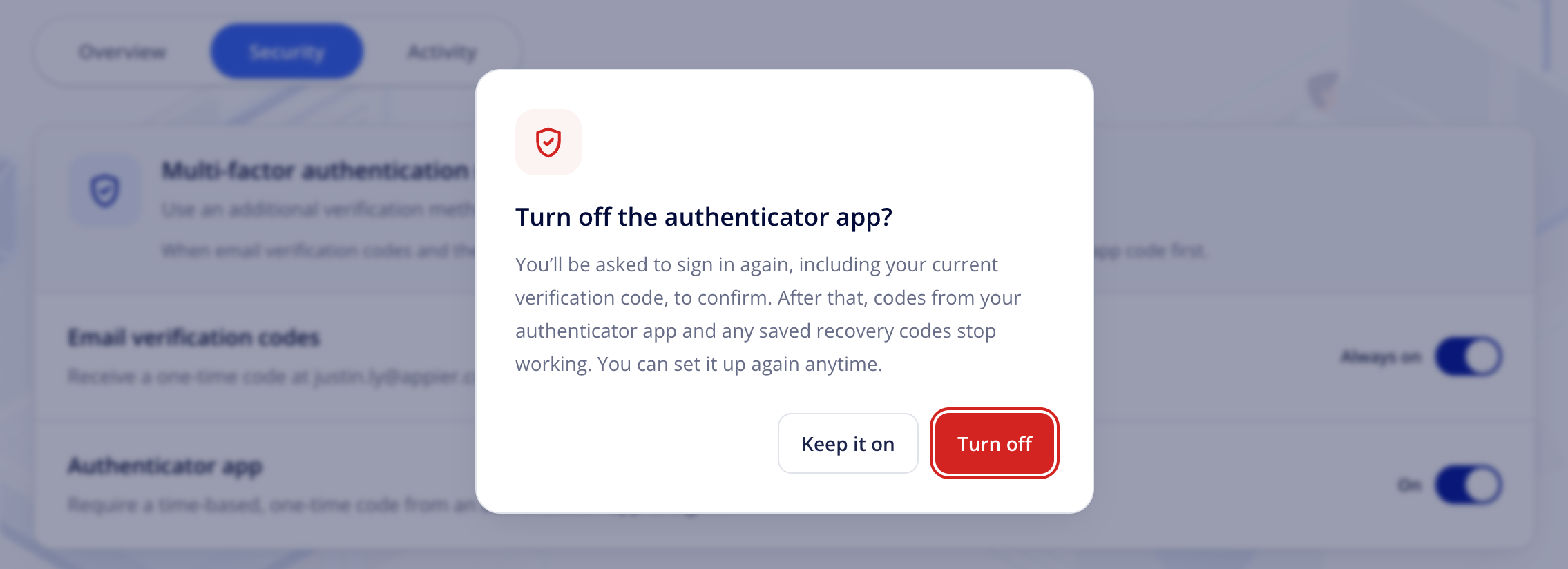
- When prompted, sign in again, including your current verification code, to confirm.
- Set up the authenticator app again on your new device.
Turning off the authenticator app invalidates codes from your old device and any saved recovery codes. You can set it up again anytime.
Setting up an authenticator app
Go to the Account Security Center and enable the option to set up an authenticator app for MFA.
Signing in with an authenticator app code
If you sign in with your email and password and have also set up an authenticator app, logins require the authenticator app code. Authenticator app codes aren't supported when signing in via single sign-on (SSO), such as logins using your Google or Facebook account.
- Enter your email and password.
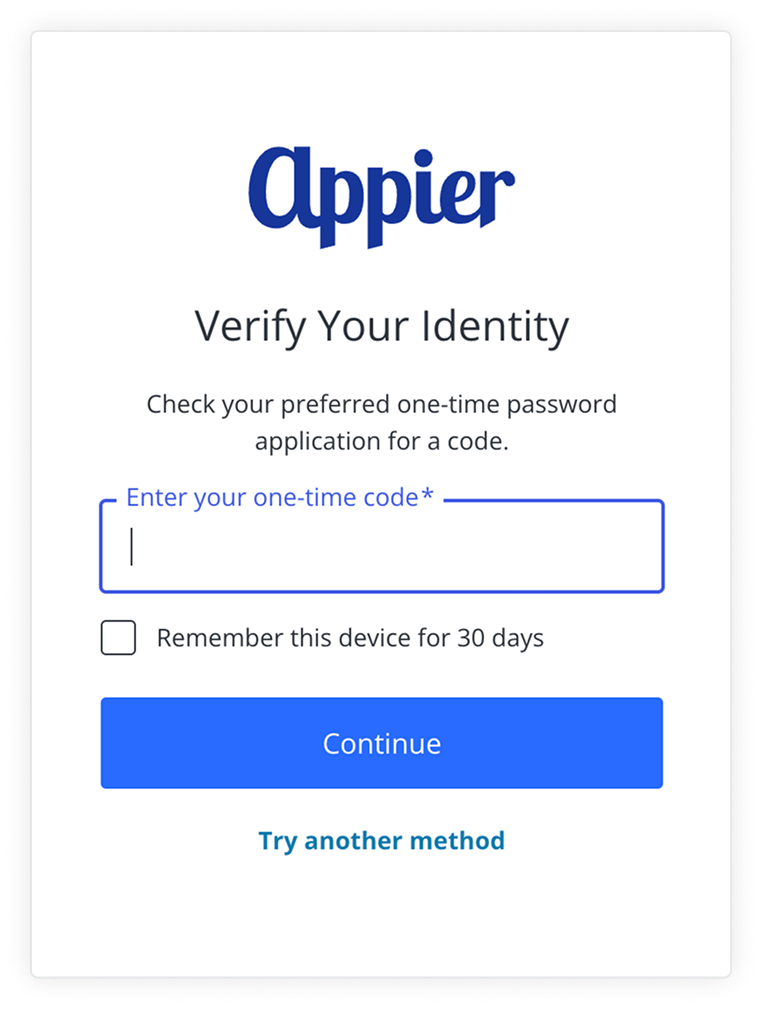
- Open the app and enter the current code, then click Continue to finish logging in.
If you check Remember this device for 30 days, you'll be able to log in without needing to enter the one-time code for the next 30 days.
Email codes
Enterprise console accounts have MFA by email enabled by default. Email codes are sent to the same email address you log in with. If your organization's email security policy blocks external senders by default, please allowlist Appier's authentication emails so verification codes reach your users reliably.
Signing in with an email code
- Enter your email and password, or sign in via single sign-on (SSO).
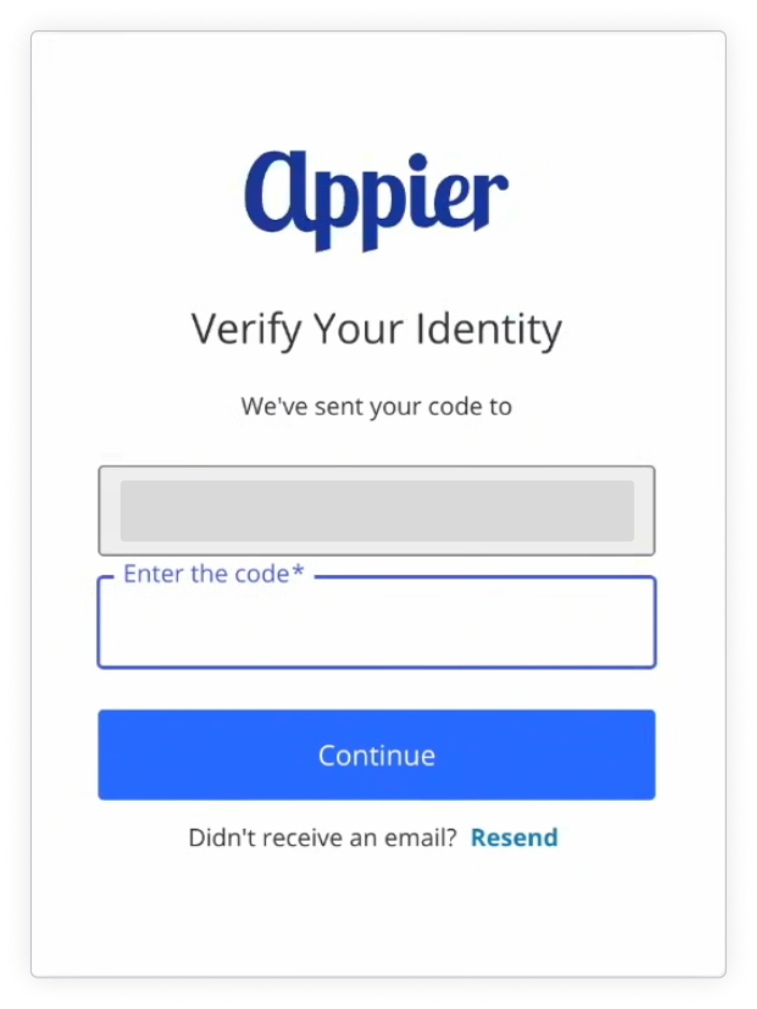
- Enter the code sent to your email and click Continue to finish logging in.
Allowlist Appier's authentication emails
If your organization's email security policy blocks external senders by default, allowlist Appier's authentication emails so verification codes and breach notifications reach your users reliably.
- From:
Appier Solutions <[email protected]> - Domain:
appier.com(envelope and bounce domain:amazonses.appier.com) - Sent via Amazon SES. Passes SPF, DKIM (
d=appier.com), and DMARC
Ask your email or IT admin to allow mail where the sender domain is appier.com and the message passes DMARC, or DKIM d=appier.com. Keeping the DMARC check lets genuine emails through while still blocking spoofed look-alikes.
- Microsoft 365: add
appier.comto the Tenant Allow/Block List, or add a mail flow rule for sender domainappier.comwith anAuthentication-Resultsheader containingdmarc=pass. - Google Workspace: in the Gmail admin console, go to Spam settings > Approved senders and add
appier.com, then bypass spam filtering for authenticated senders only. - Proofpoint, Mimecast, Barracuda, and Cisco: permit sender domain
appier.com, ideally combined with an SPF, DKIM, or DMARC pass condition.
If your email system can't allowlist by domain, please contact your customer success manager for guidance on setting up your allowlist.
Updated about 1 month ago