
1. Define your goal
Describe what you want to achieve. You can also add context, such as channels, timing, products, audience, and constraints.
Learn how Appier AI Agent can automate, advise, and optimize your marketing operations.
To enable Appier AI Agent, contact your customer success manager.
Appier AI Agent is your AI-powered marketing and business strategy partner that transforms your business goals into structured, cross-channel execution plans, complete with campaign creatives and target audiences designed to maximize performance. In addition, the agent can answer questions and provide data-driven insights to help you achieve your marketing goals.
Appier AI Agent uses a conversational interface powered by a unified data foundation, continually self-improving AI systems, and guardrails to reduce hallucinations and strengthen reliability. To start working with your agent, simply ask a question or describe your marketing goal.
 Conversational interface
Self-awareness
Conversational interface
Self-awareness
Assesses its own abilities and validates decisions against verified ground truth to reduce hallucinations.
Calculates accuracy probabilities for responses in real time to proactively mitigate risks.
Dynamic intelligence
Leverages generative AI and machine learning to provide relevant, effective recommendations based on historical data.
Continuously learns and improves based on live campaign performance and usage patterns.
Data foundation
Appier's unified data platform provides the agent with a reliable view of your entire business landscape.
Trained on thousands of campaigns across key industries to ensure vertical-specific expertise from day one.
From idea to execution, Appier AI Agent helps you move from manual setup to an agent-guided workflow.
Describe what you want to achieve. You can also add context, such as channels, timing, products, audience, and constraints.
Based on your goals, the agent proposes structured campaign and audience plans for you to choose from.
After choosing the proposal that fits your needs, you can continue to review and refine the details until you're ready to launch.
Verify the finalized strategy and approve the campaign and audience. Nothing runs until you approve it, ensuring you maintain full control.
| Step | Description | |
|---|---|---|
| 1 | Enable Appier AI Agent. | Contact your customer success manager to enable Appier AI Agent for your organization. |
| 2 | Create a brand kit. | Your brand kit defines how the agent should represent your brand, including guidelines for your brand's visual identity, tone and voice, and industry. |
| 3 | Review your data schemas. | Appier AI Agent relies on data schemas to provide relevant, accurate responses. We highly recommend reviewing your event and user schemas to ensure your data is accurate and meaningful. |
Certain agent actions, such as campaign previews and predictive segment creation, will consume credits.
For details, see Credit Usage.
To ensure your data remains secure, Appier AI Agent adheres to the following data handling principles.
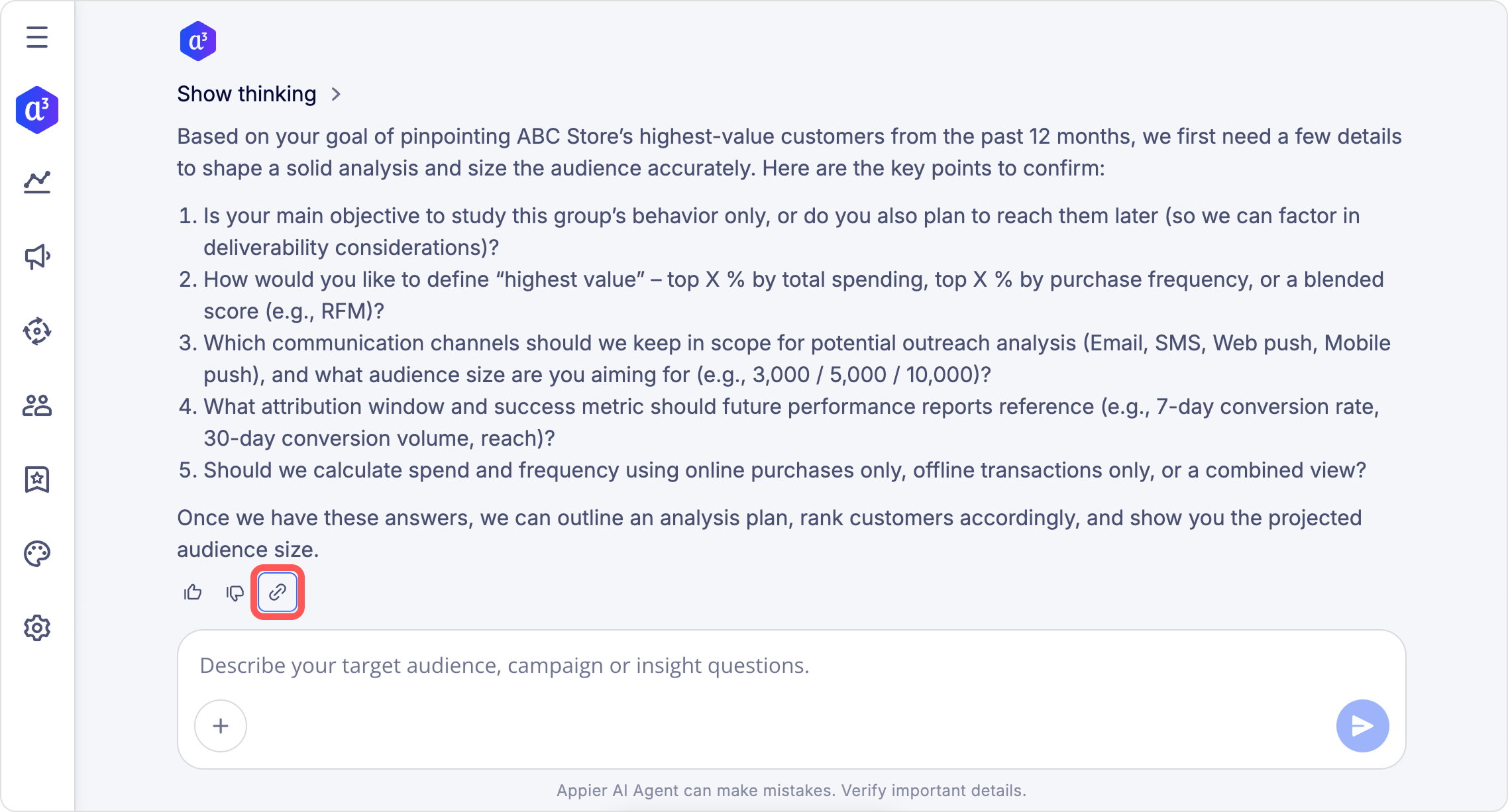
If you encounter issues such as error messages or unresponsive behavior while using Appier AI Agent, please contact Appier Support ([email protected]). Click the link icon below the response to copy a debug link, and include it in your message so we can identify your issue as quickly as possible.
Updated about 1 month ago