
Managing Journey Maps
View performance and perform actions for your journey maps.
You can view and manage your journey maps from the journey map list. In addition to searching and filtering existing journey maps, you can perform operations such as pausing an active journey, duplicating a journey, and viewing journey performance.
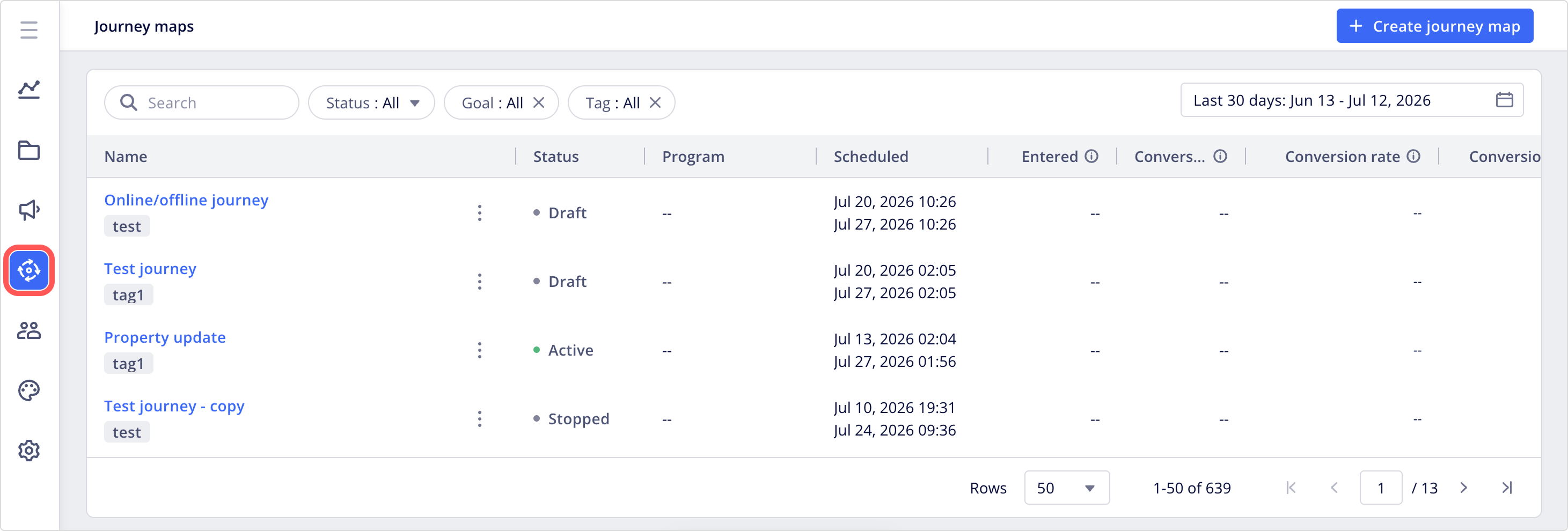
Search and filter journey maps
From the journey map list, you can search journey maps and apply various filters to view a more focused set of journey maps.
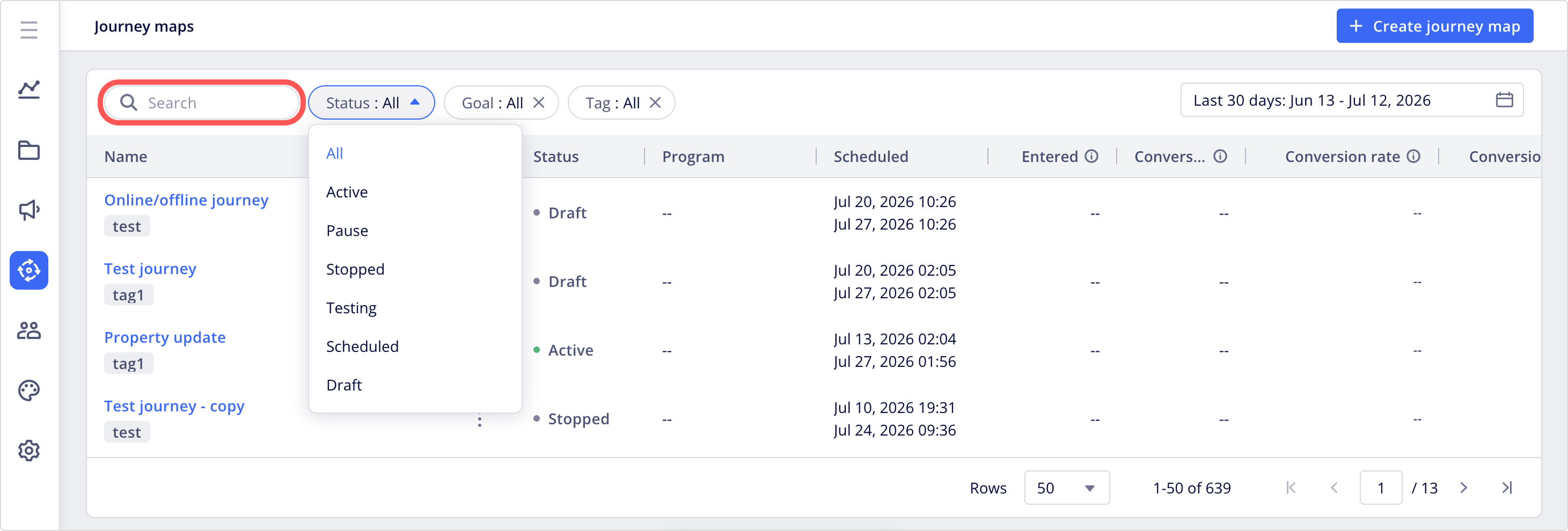
Search
Enter search terms to find journey maps by name or ID.
Filter
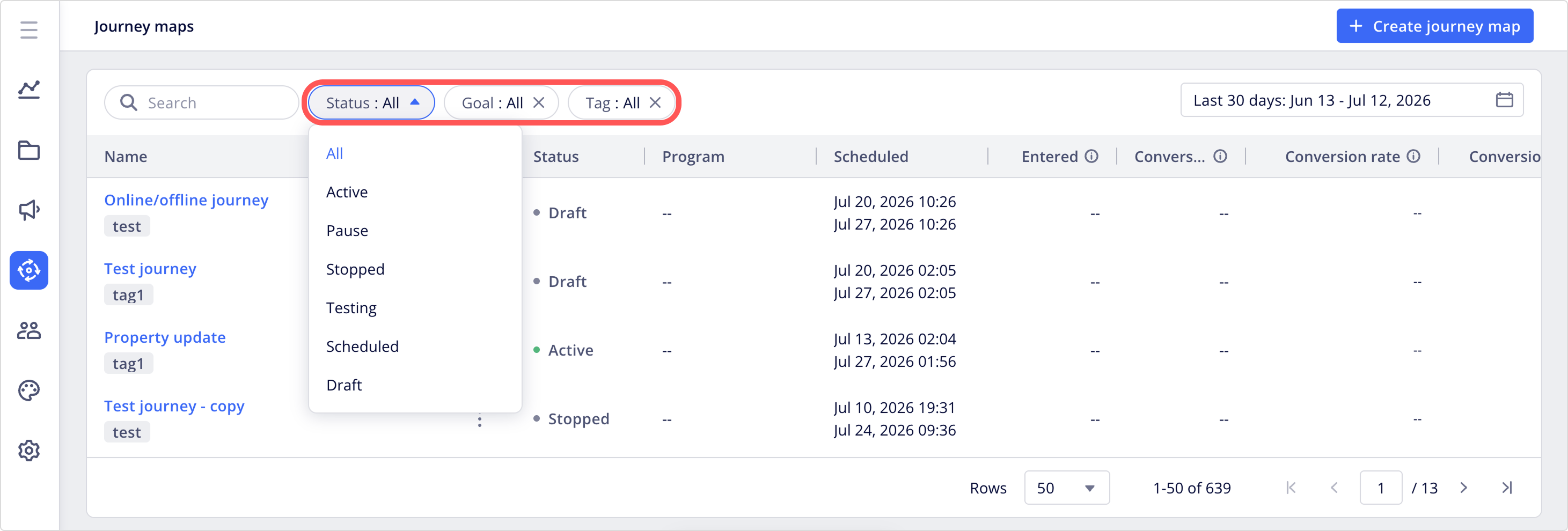
Use the provided filter options to streamline journey map list results.
| Filter option | Description |
|---|---|
| Status | Select one of the following journey statuses: • Draft: The journey hasn't been published yet. Draft journeys can be edited. • Scheduled: The journey has been published and is waiting to start at a future date and time. Scheduled journeys can be edited. • Active: The journey is published and currently running. Active journeys can't be edited. • Paused: No new users can enter the journey. Users already in the journey continue through their current flow. Paused journeys can be reactivated at any time and can be edited. • Stopped: The journey has ended. No new users can enter the journey and all existing users automatically exit the journey. Stopped journeys can't be edited or reactivated. To run the journey again, duplicate it and publish the new copy. |
| Goal | Select one or more goal events configured for performance tracking. |
| Tag | Select one or more tags from the dropdown. |
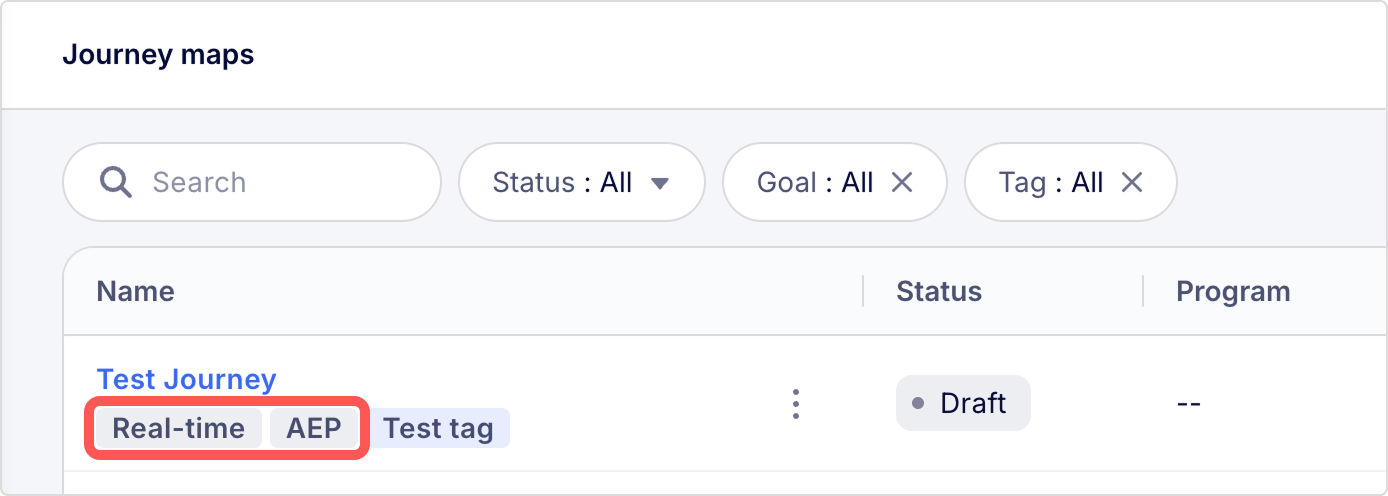
NoteSystem tags (grey) are generated automatically for certain journeys. To enable the following system tags, contact your customer success manager.
- Real-time: A journey with real-time refresh condition is enabled.
- AEP: A journey created from Appier Enterprise Console with Enterprise User Unification mechanism enabled.
Perform journey map operations
From the journey map list, you can access journey map actions by clicking the three vertical dots next to the journey's name.
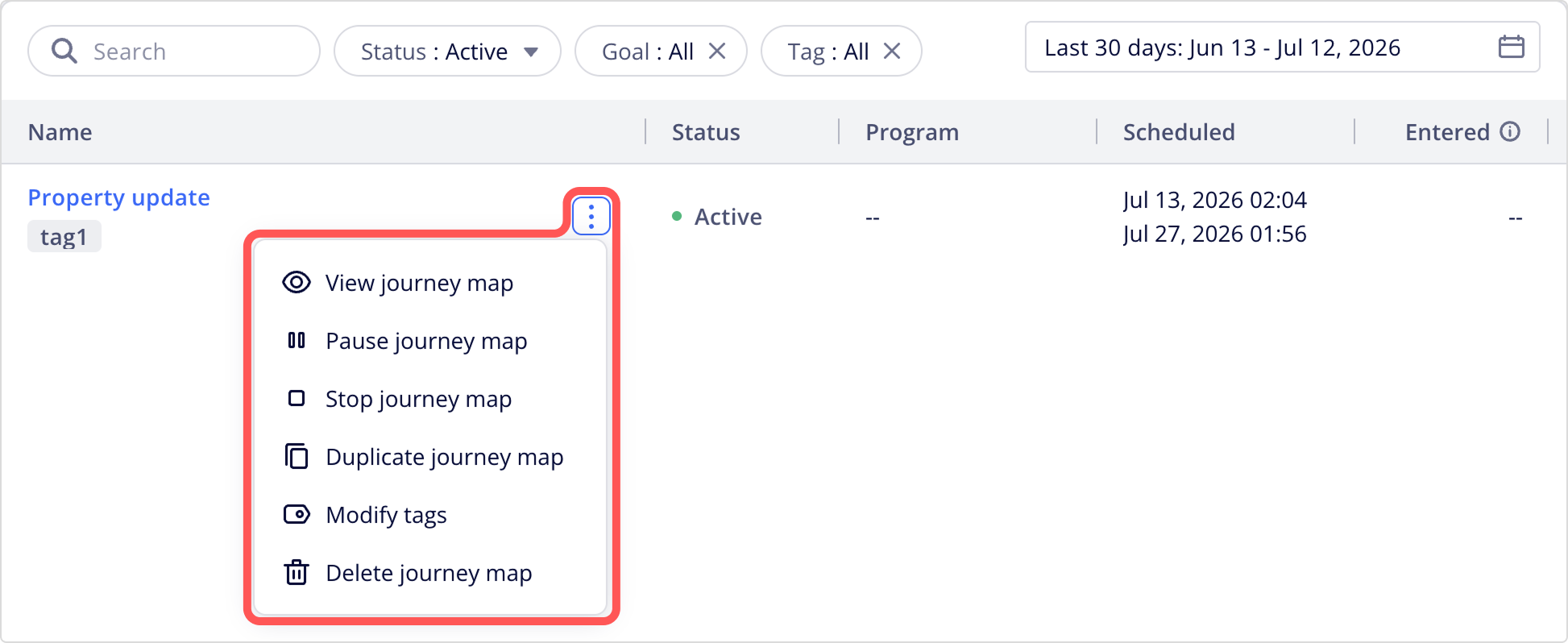
The following actions are available for journey maps.
| Journey action | Description |
|---|---|
| View | Quickly review the journey setup details without opening the full editor. |
| Pause | Pause the running journey to make changes. New users can't join, but the users already in the journey keep progressing along their existing path. |
| Stop | Stop the journey completely; no further events or state changes occur, and users can't continue. Stopped journeys can't be edited or reactivated. To run the journey again, duplicate it and publish the new copy. |
| Duplicate | Duplicate the journey. The duplicated journey's name will be the original journey's name with "-copy" appended. |
| Modify tags | Add and remove tags for this journey. |
| Delete | Delete the journey. This action can't be undone. |
Journey map list metrics
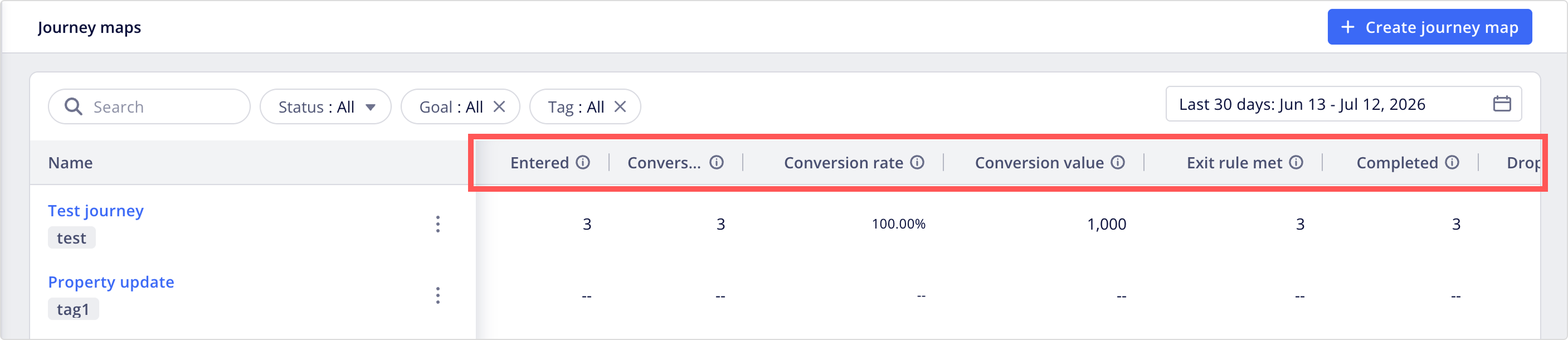
The following metrics and journey map details are visible from the journey map list:
| Metric | Description |
|---|---|
| Entered | The number of users who met the trigger condition and started the journey. Re-entered users are counted each time they enter. |
| Conversion | The total number of conversion events completed by users who entered the journey. |
| Conversion rate | Calculated using (Conversions / Entered) x 100%. |
| Conversion value | The total value of online conversions from all channels in the journey. |
| Offline conversions | The total number of offline conversion events completed by users who entered the journey. |
| Offline conversion rate | Calculated using (Offline conversion events / Entered) x 100%. |
| Offline conversion value | The total value of offline conversions from all channels in the journey. |
| Exit rule met | The number of users who exited the journey by completing the exit event specified in the exit rule. |
| Completed | The number of users who finished the journey after reaching the last node of a path, excluding unreachable paths. |
| Dropped | The number of users who exited the journey because they were not reachable in the channel. For example, users who entered the email message path in the journey but do not have a valid email address. |
| Last modified | The last time the journey was modified. |
NotesMetrics related to Offline conversions appear only if your journey includes offline events. By default, these columns remain hidden until you publish a journey with offline events enabled.
To view the performance details on each journey and its nodes, click the journey's name to open its performance page. For more details, see Journey Performance and Analytics.
Updated 3 months ago