
Getting Started with Brand Kit
Set up your brand kit so Appier AI Agent can create content that sounds and looks like your brand. To open your brand kit, go to Common settings > Brand kit.
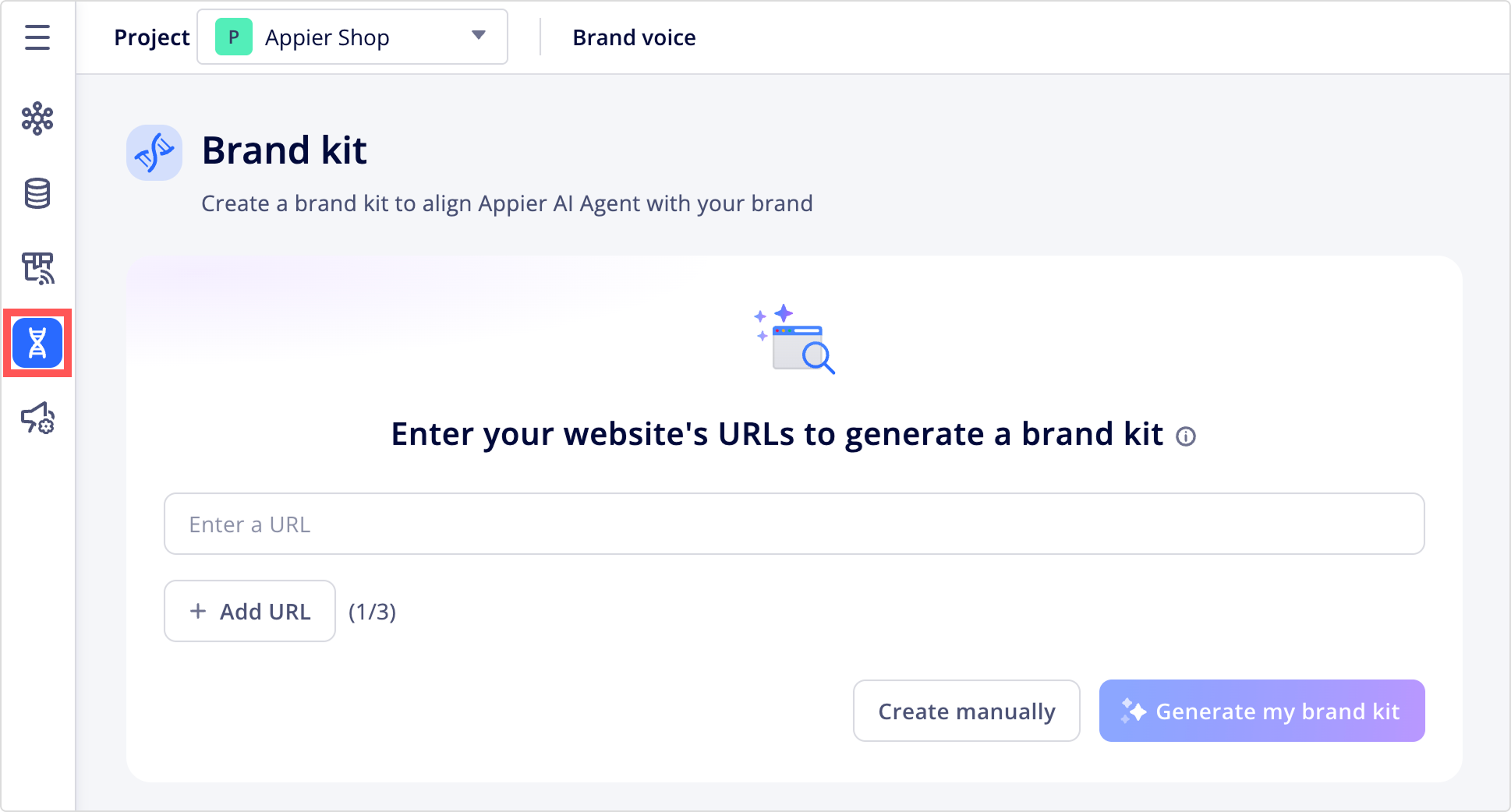
Set up your brand kit
The first time you open the brand kit, you can choose how to start:
- Create manually: Click Create manually to start with empty components, then fill in each one yourself.
- Auto-generate with AI: Click Generate my brand kit and enter up to three website URLs. The AI tool reviews those pages and drafts settings for all three components.
Best practiceFor better AI extraction results, use pages that contain high-level brand information, such as "About us" or "Brand story" pages.
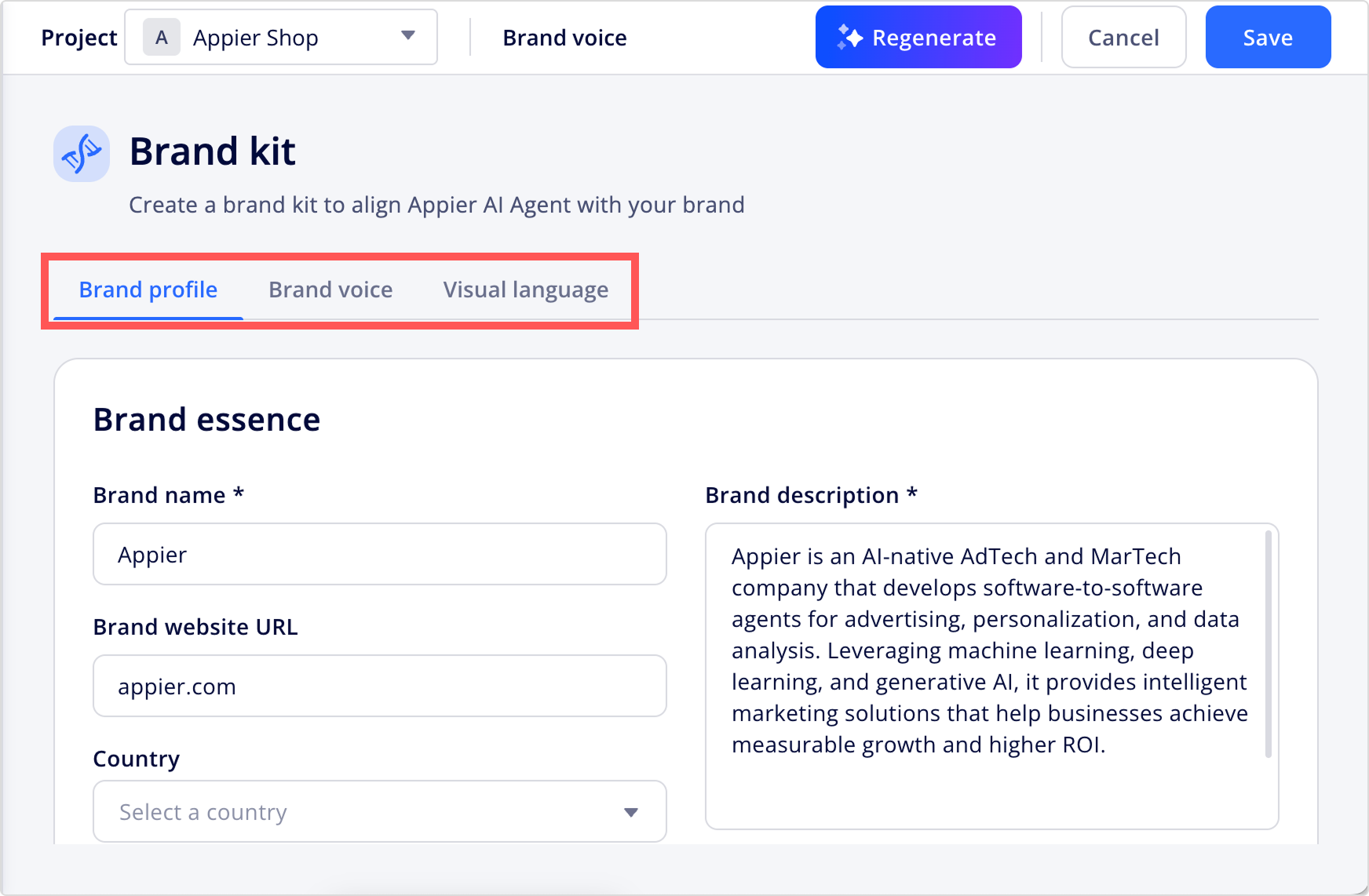
After either path, review the content on each component tab and click Save to apply your changes. You can also refine or regenerate any component later from its tab.



Updated 3 months ago
Did this page help you?