
Conversion and Attribution
Manage conversion events and attribution models for your project.
You can configure your project-level attribution model in Common settings > Campaign settings, and view conversion events and per-campaign attribution models inherited from your AIQUA account settings.
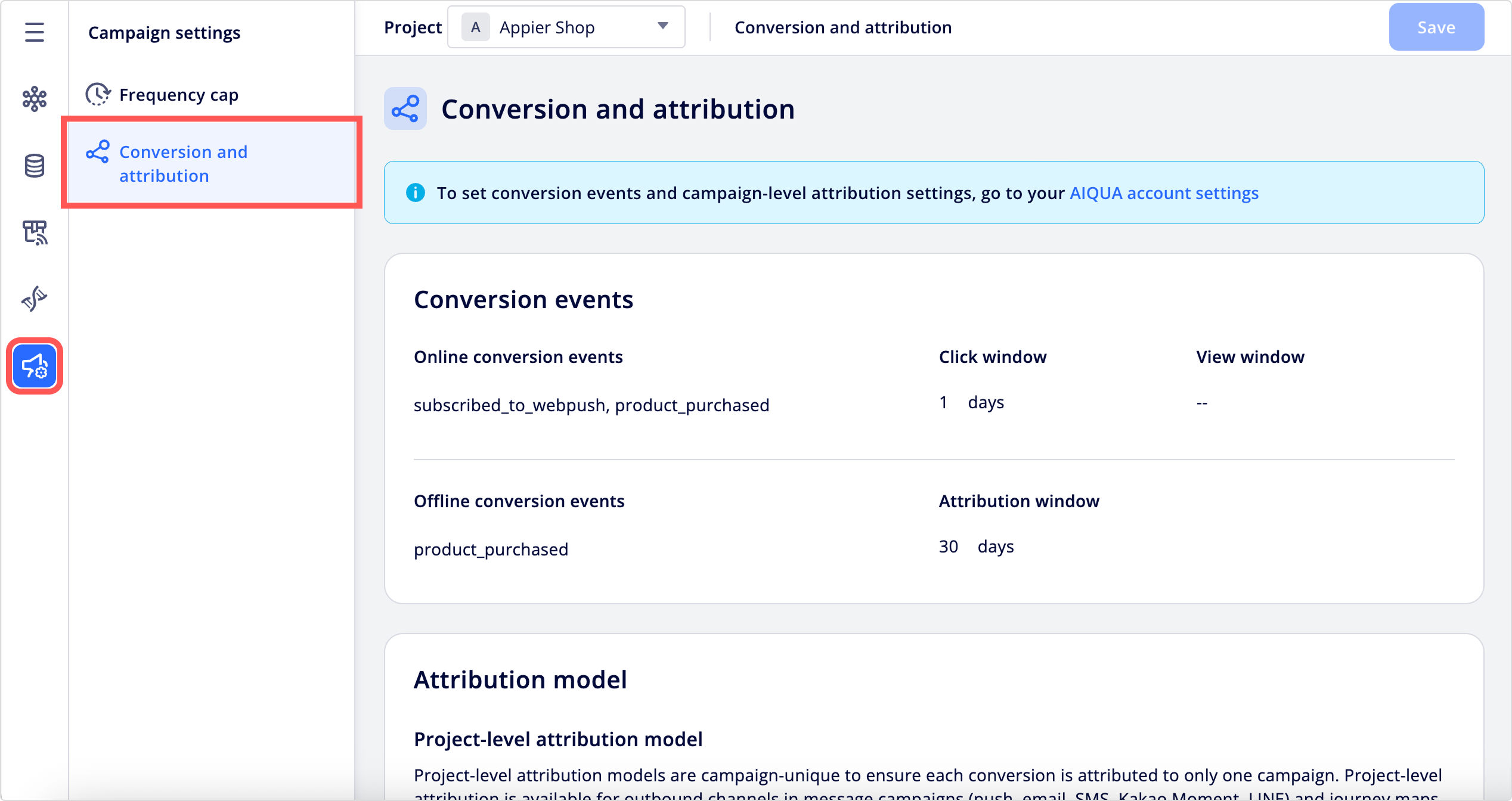
NoteJourney map attribution is configured on this page. All other conversion and attribution settings are configured in your AIQUA account settings.
Conversion events
The Conversion events section displays the events that represent conversions for your business.
- Online conversion events: Events tracked by the Appier SDK. The Click window and View window define the timeframe within which a click or view counts as attributed to a campaign.
- Offline conversion events: Events uploaded through the Offline Event API. The Attribution window defines the timeframe for offline event attribution. To learn more about conversion events and attribution windows, see Understanding Event Attribution.
Attribution models
Attribution models determine which campaign or journey map gets credit for a conversion when a user has been exposed to multiple campaigns or journey maps before converting.
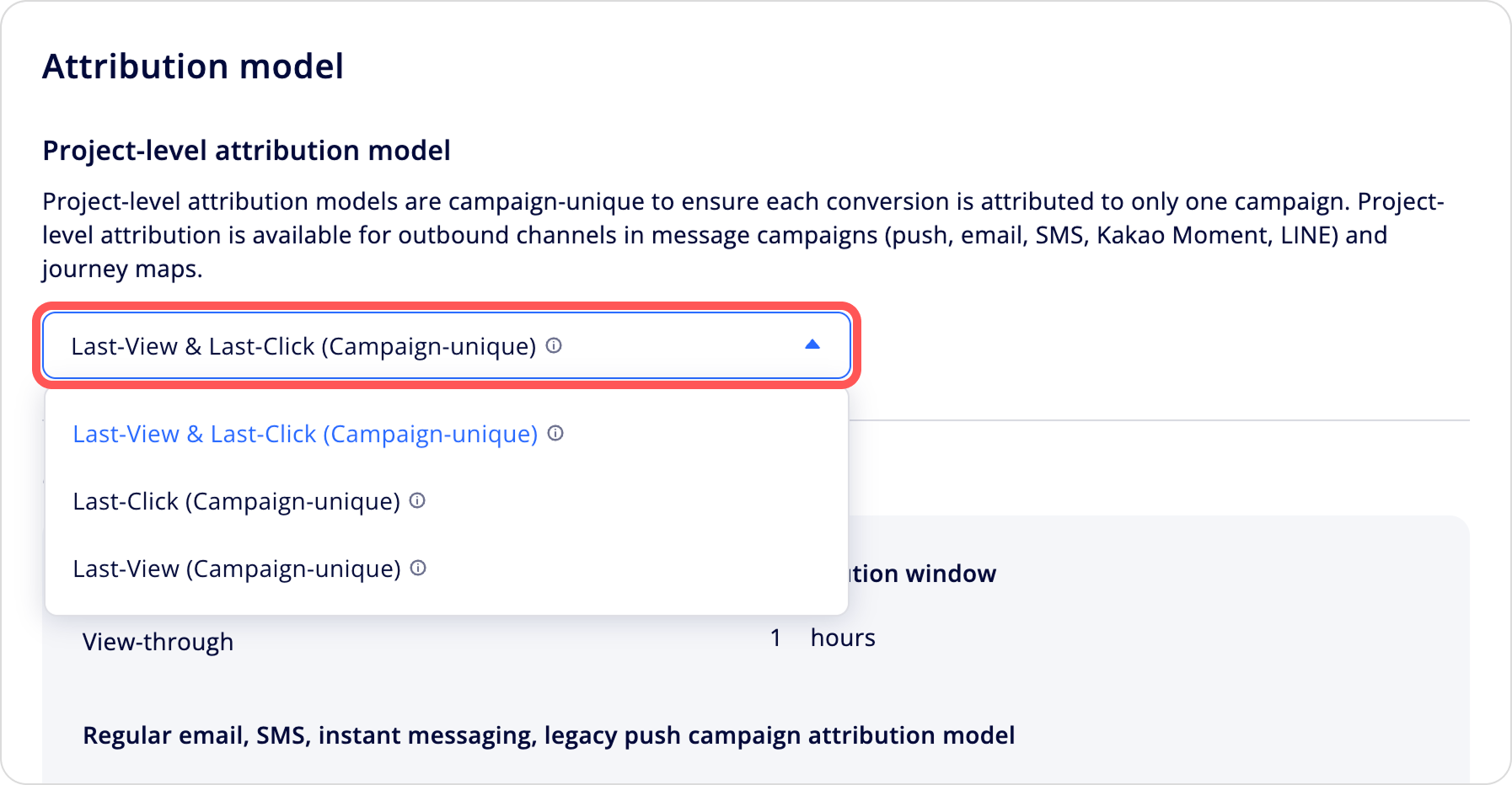
Project-level attribution model
The project-level attribution model deduplicates conversions across all outbound campaigns (push, email, SMS, Kakao Moment, LINE) and journey maps in the project. When a user is exposed to multiple outbound items before converting, the model determines which exposure to credit, so each conversion is counted once at the project level.
Project-level attribution applies to outbound campaigns and journey maps and is used in program performance reports. In-web and in-app campaigns continue to use their own per-campaign attribution settings, which are shown read-only on this page.
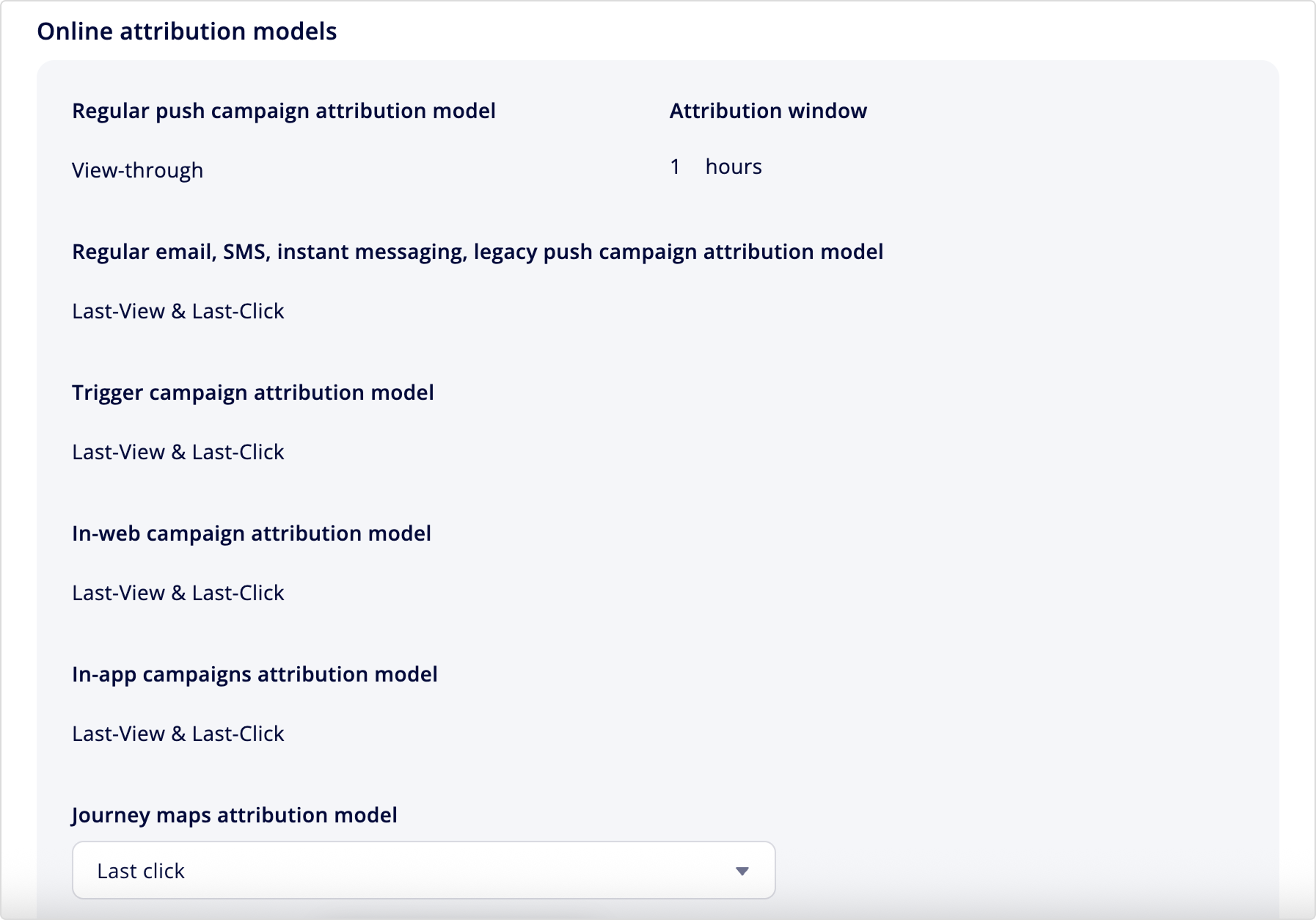
Online attribution models
Online attribution applies in two ways:
| Type | Where configured | Where it applies |
|---|---|---|
| Per-campaign attribution • Regular push campaigns • Regular email, SMS, instant messaging, and legacy push campaigns • Trigger campaigns • In-web campaigns • In-app campaigns | AIQUA's Account settings | Campaign performance |
| Journey map attribution | This page | Journey map performance |
To configure journey map attribution, see Journey maps below.
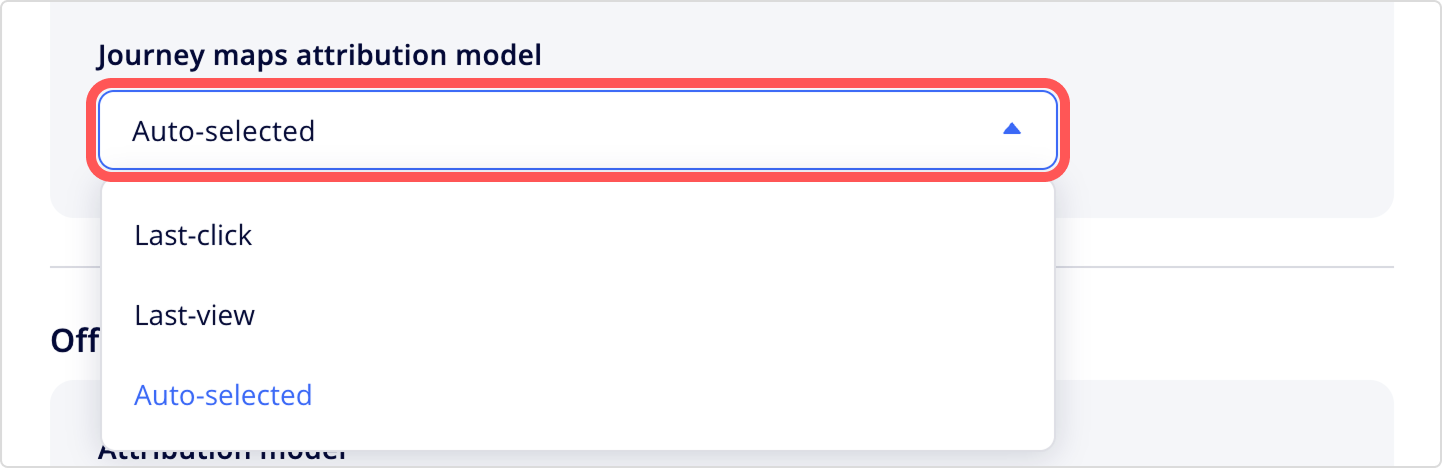
Journey maps
Choose how a conversion is attributed to a journey map:
- Auto-selected: Applies an attribution model based on the journey map's sending channel. For in-web, in-app, and WebChat messages, conversions are credited to a click or, if no click data is available, a view. For all other channels, conversions are credited to the last click or, if no click data is available, the last view.
- Last-click: Credits the conversion to the journey map a user last clicked within the attribution window.
- Last-view: Credits the conversion to the final journey map message a user viewed within the attribution window.
Offline attribution models
Offline attribution is read-only on this page.
- Offline attribution must be activated by Appier Support and configured in AIQUA. To learn more, see Attribution settings.
- For the channels that support offline conversion attribution, see Supported attribution models by channel.
- AIQUA calculates the offline conversion count daily, using offline events with a timestamp within the last 90 days.
Updated about 1 month ago