
Visual Language
Define your brand's visual language for Appier AI Agent.
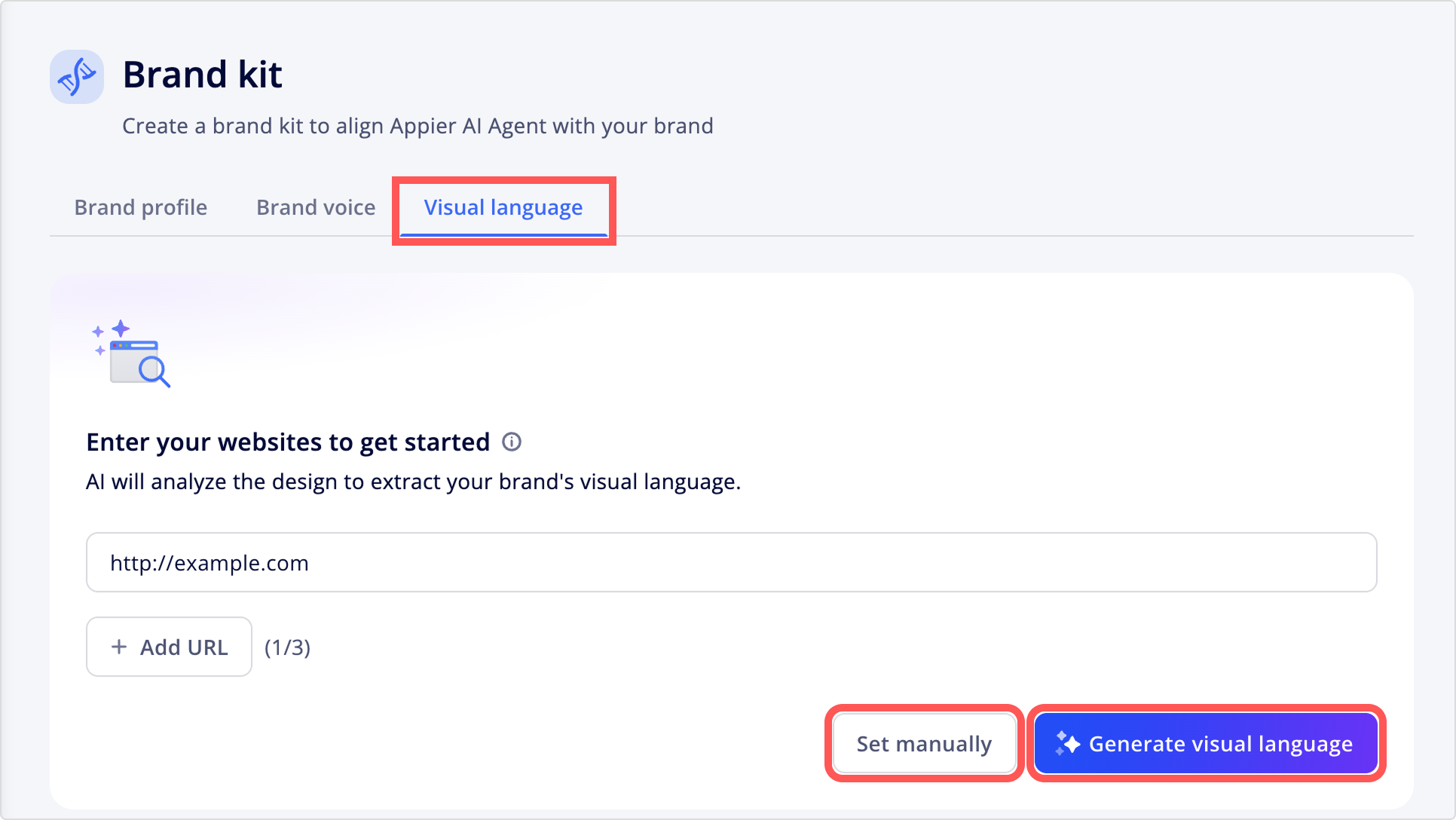
Set a logo, color palette, and push notification icon to keep your brand consistent across all digital channels. Choose how to set up:
- Set manually: Upload your logo and icon assets that follow their specifications, and select your brand colors directly in the color picker.
- Generate visual language: Enter a website URL. The AI tool analyzes the site to automatically generate the logo, icon, and color settings.
Visual language components
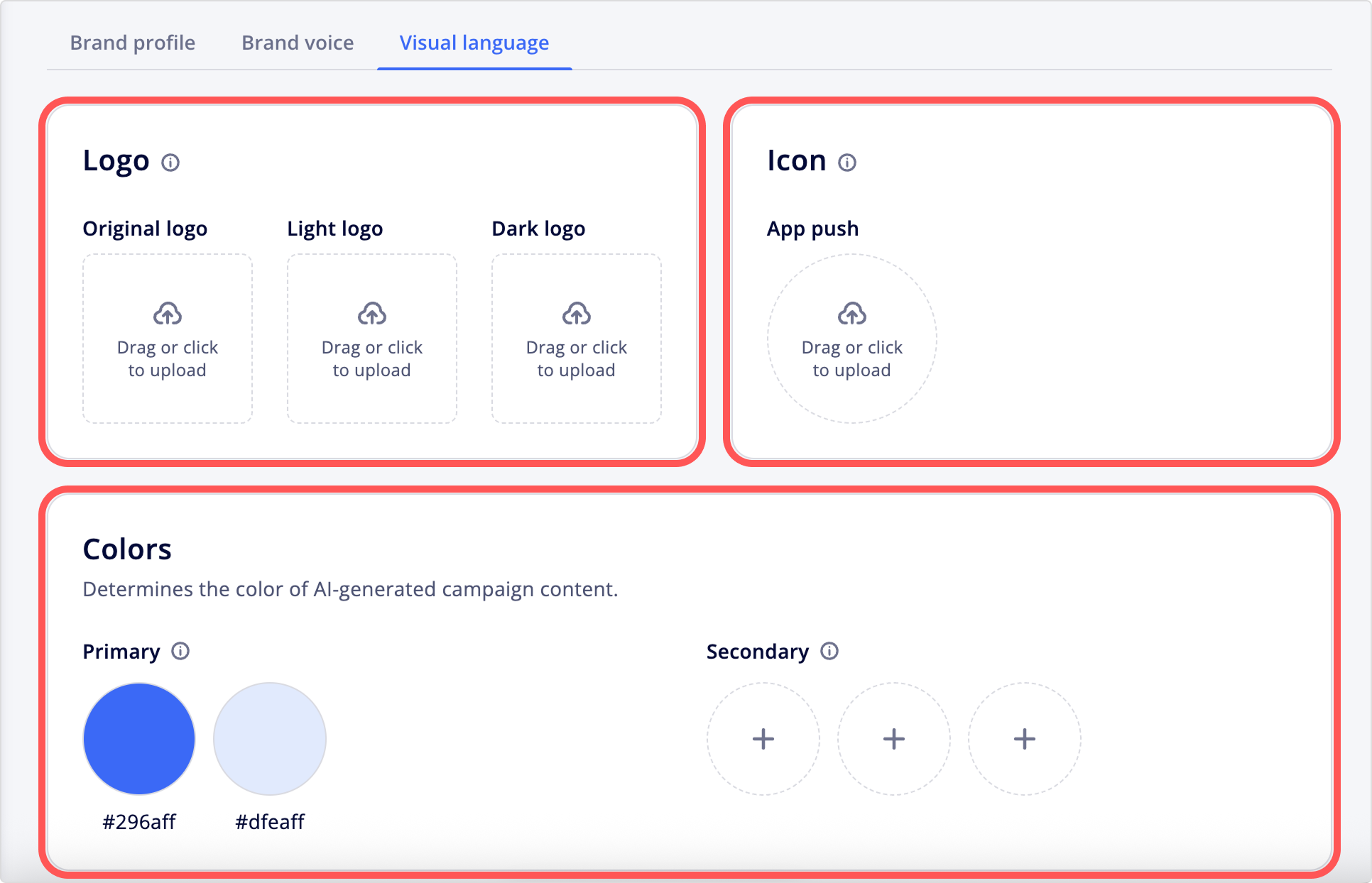
Your visual language has three components:
Logo
The primary visual identifier of your brand, typically found in header or footer sections.
- Supports dark and light versions of your brand mark.
- Appier AI Agent uses your first uploaded logo for push notifications by default.
- Upload your logo by following the specifications below:
- Image size: 2160 x 2160 pixels
- Maximum file size: 10 MB
- Supported formats: JPG, JPEG, PNG
Icon
An icon used for app push notifications, campaign notifications, and the Appier AI Agent chat avatar.
| Channel | Specifications |
|---|---|
| App push | • Image size: 5210 x 5210 pixels • Maximum file size: 10 MB • Supported formats: JPG, JPEG, PNG, SVG |
Colors
The primary and secondary colors Appier AI Agent applies to AI-generated campaign content.
Updated 3 months ago
Did this page help you?